Windows 10: Use bug-free Android Apps with it!
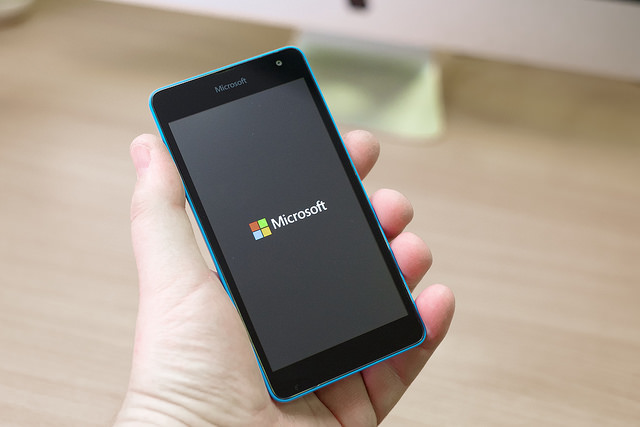
When Satya Nadella became Microsoft’s CEO, one year ago, he suggested that things were going to change and mobility will be his main focus. Although the company has been trying it for some time now (i.e. when they bought Nokia for over 7.000 million dollars), they have never been able to stand out in the smartphone world.
Their lack of success may be in part because of their operation system uniqueness. While Windows has always been the most popular among desktop computers and laptops, they haven’t been able to win over the smartphone users. Android and iOS have always been one step ahead.
If we look into the applications market we see how the difference increases, the first two platforms are very attractive for a great number of developers, who rarely or never remember Microsoft’s virtual store. However, Microsoft has changed its tactic and now work under the maxim “if you can’t beat them, join them”, adding “and improve their product as much as you can”.
During the recent conference BUILD 2015, the company announced that applications for Android and iOS may be used in Windows tenth operational system, which will be launched this summer. The projects Islandwood (for Apple’s operational system) and Astoria (for Android) allow this translation, providing the necessary means.
Developers will have at their disposal a “universal platform”. This tool includes a complete kit to port the code written in Java for Android apps and in Apple’s language, Objective C.
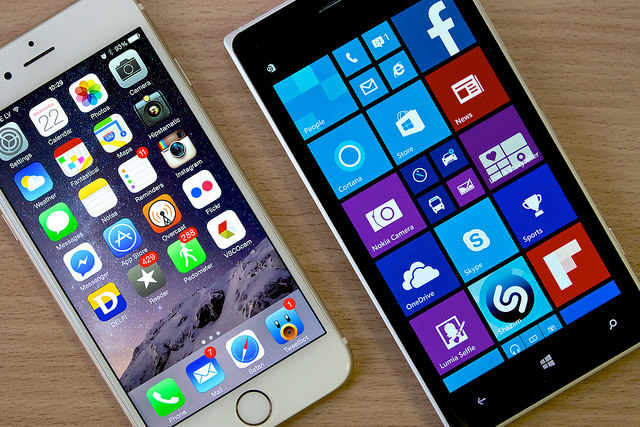
But Microsoft wants to go one step further, they are also committed to safety. Not only will you be able to use the applications that were before just available in other phones, but also they assure they won’t fill up your device with malware.
Because if Google Play is full of all kinds and origins of tools, it is also full of virus and vulnerabilities that threaten your data. We have explained in other posts the many malicious apps in the platform and about security holes in Apple’s operating system.
Microsoft knows well Apple’s disadvantages and doesn’t want them in Windows 10. That’s why, together with the two previous mentioned projects, they are offering the possibility of eliminating the bugs from the apps before they are in Window’s operating system.
With this same ‘universal’ tool developers can analyze their apps for malware and then get rid of it. But the tests don’t end here, once the programs are ready they will have to go through a review team that will give them a final approval before publishing it in the store.
Within this group there are security experts that will analyze again the tools and will exclude the newly arrived that hide some kind of malicious software in their code.
It seems that Microsoft is stepping up in security matters, though we will have to wait some months until we can prove if their initiative stand out over the efforts of its competitors. If they fail to keep their promises, Windows platform will become a den of bugs fed from several fronts.
Comments
Post a Comment